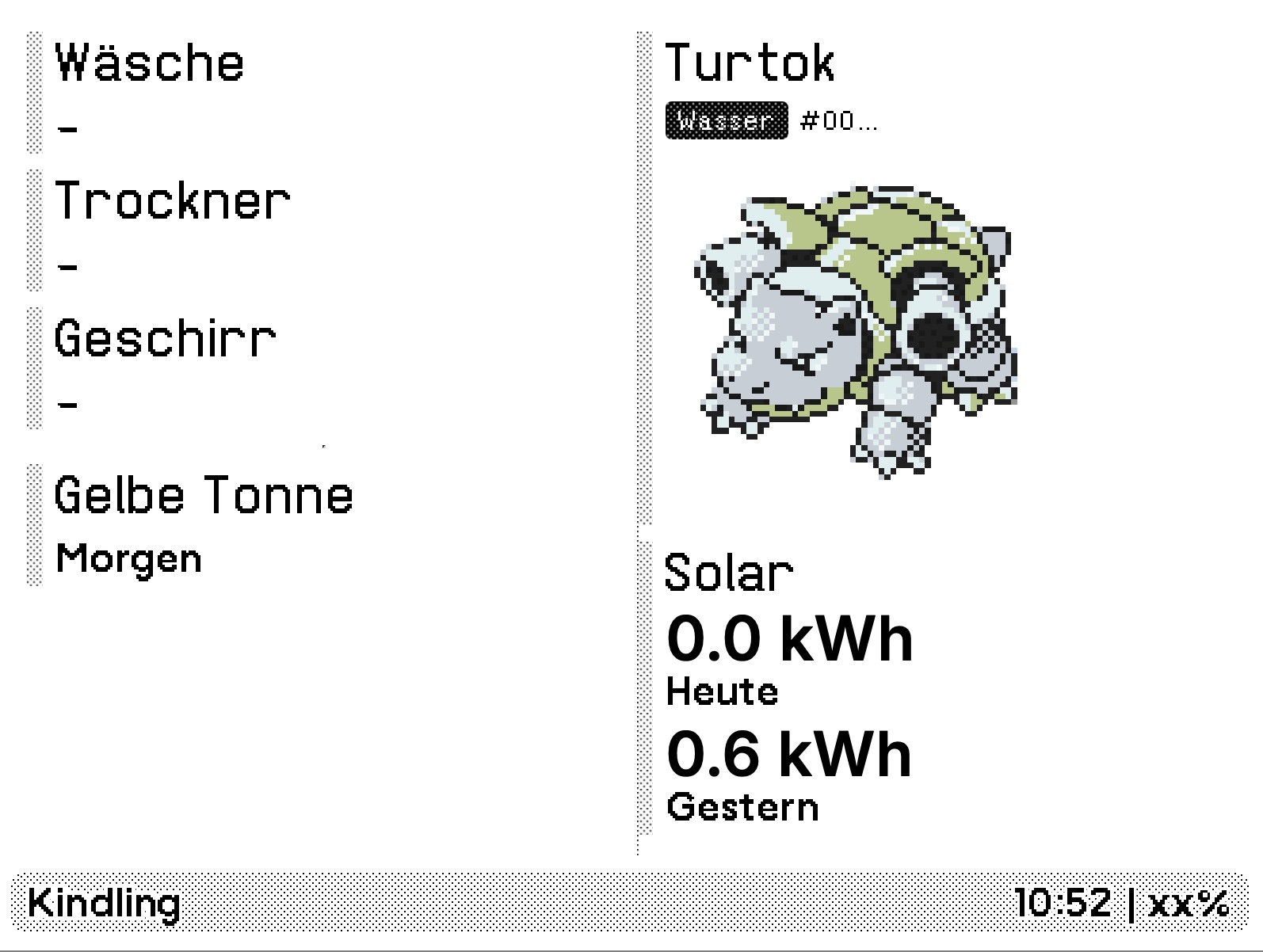
Kindling: E-Ink Dashboard
2025-12-07
Ever missed pulling the laundry out of the washing machine in time? We did that a lot. Finally, the itch was big enough to build a little helper:
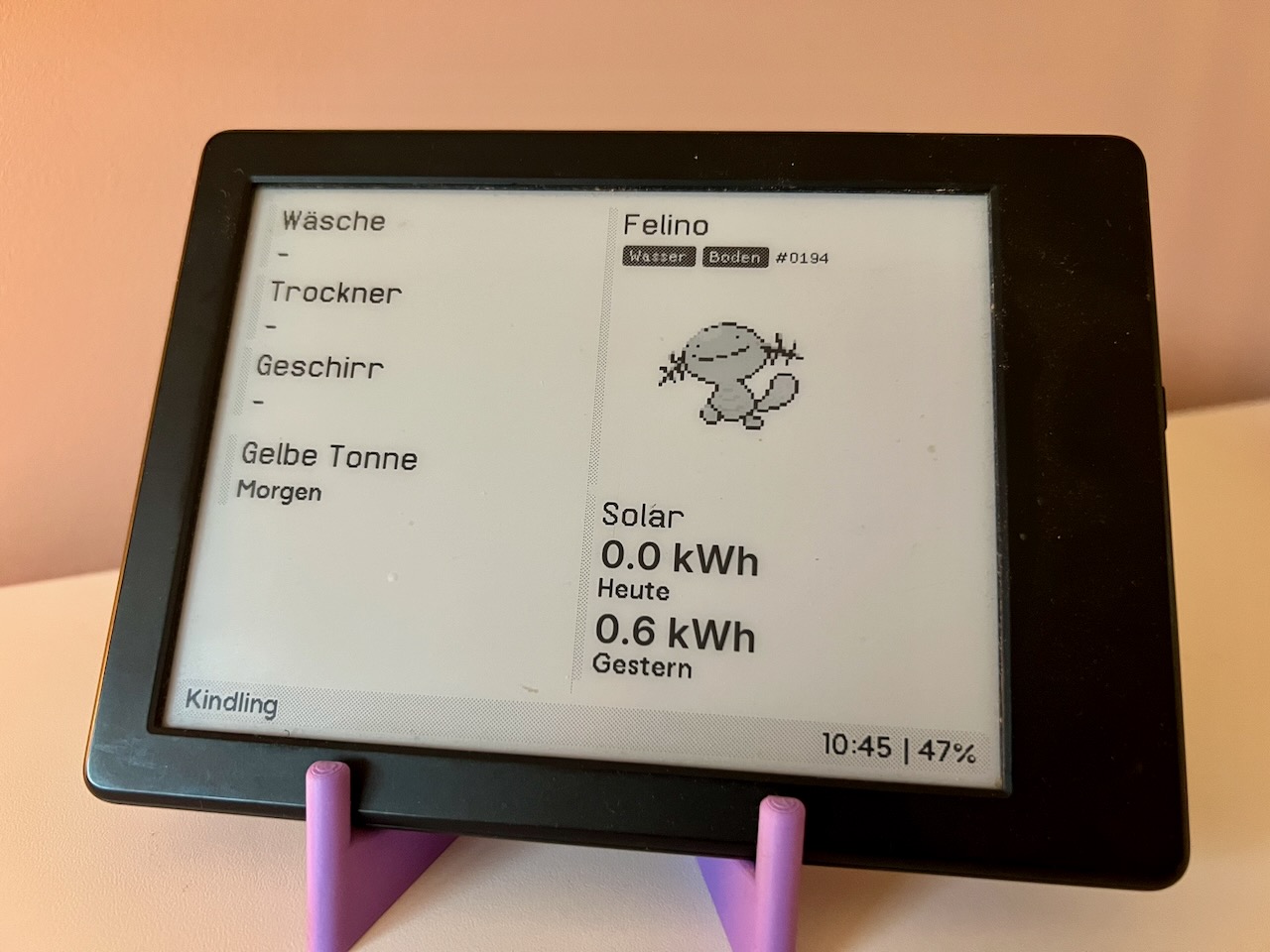
A small e-ink dashboard that sits in a visible place in the house. It displays:
- The remaining time of our washing machine, tumble dryer, and dishwasher.
- Trash pick-up dates for the next few days.
- Current energy production of our PV system.
- A random Pokémon.
Hardware
The dashboard runs on an old Kindle that may or may not have received a jailbreak. That gives you a battery-powered, e-ink device that runs an Amazon-flavored Linux. It’s a bit of a hassle to SSH into the device to fiddle around there. So, I kept the setup in the device itself relatively lightweight: there’s an install script running on boot. It disables a few energy hungry services, most notably the default UI. The second component is an update script scheduled by cron. It wakes the device and its network, fetches the dashboard image file, throws that on the screen, and puts the device back to sleep.
Software
A bun.sh service creates the dashboard. It fetches data from a number of upstream sources and displays those on an HTML page. I’ve used puppeteer to export that page to an image. Thanks to the lovely folks at TRMNL for providing a wonderful design system. I didn’t have to come up with my own and could just use their slightly adjusted CSS file. The server runs on a Lenovo ThinkCentre Mini-PC in my office closet. For deploying, I package the app up using Bun’s bundler and rsync the single binary to the machine.
Data Sources
- Appliances: The dashboard fetches those from a Home Assistant that runs on a Raspberry Pi right next to it. The HA gets the data through Miele’s API.
- Trash Pick-Up Dates: The city publishes these in an ICS calendar file. I’ve created a little script that extracts the events relevant to me.
- Solar Dashboard: The mini-PC runs a second solar service that has an endpoint for fetching energy production data. That service primarily drives another dashboard over at solar.franz.hamburg.
- Random Pokémon: I’ve found the images in a random Google Drive and got the names and types from the Pokemon Wiki. The images and names get bundled directly into the dashboard. They are embedded in an SQLite file, bun lets me pull that data into the app with a single import statement. (Only 1st and 2nd gen are included, for those wondering.)
Misc
This has been running for quite some time now and has proved to be really useful. We missed fewer trash pick-up dates, mostly got the laundry out in time and the kids learned some important Pokémon facts.